Layout
粘性故事区域
长篇幅区域,文字章节滚动经过粘性图片或画布。
作者:mcpSkills
框架
nextjs
UI 库
shadcntailwind
难度advanced
英文提示词
Create a sticky story section. On the left, a large image or placeholder block should stick to the viewport while the user scrolls. On the right, 3-4 text chapters scroll by, each with a small chapter label, bold headline, and short paragraph. As each chapter reaches the center, the sticky image subtly crossfades or changes color. Use CSS sticky and scroll-driven classes. Use Tailwind CSS.
中文提示词
创建一个粘性故事区域。左侧大图或占位块在用户滚动时粘在视口。右侧 3-4 个文本章节滚动经过,每个章节包含小标签、粗体标题和短段落。当每个章节到达中心时,粘性图片微妙交叉淡入或变色。使用 CSS sticky 和滚动驱动类。使用 Tailwind CSS。
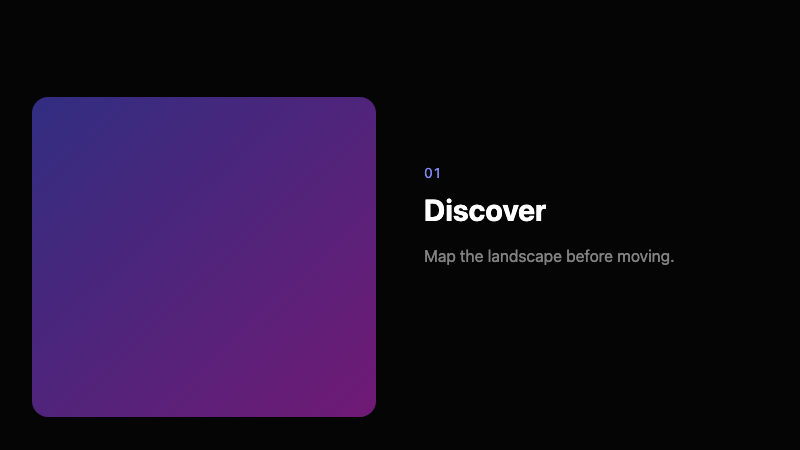
## Overview
滚动驱动的叙事布局,将稳定视觉与递进文字配对。常见于编辑和产品故事讲述。
## Features
- 左侧粘性图片
- 右侧滚动文字章节
- 章节标签 + 标题
- 章节切换时交叉淡入/变色
- CSS sticky 定位
- 滚动驱动状态变化
## Usage
适用于产品故事、案例研究、教程或品牌宣言。
## Customization
修改 prompt 以:
- 交换图片和文字侧
- 添加章节进度点
- 使用视频替代图片
- 文字以模糊揭示动画出现