Display
对比滑块
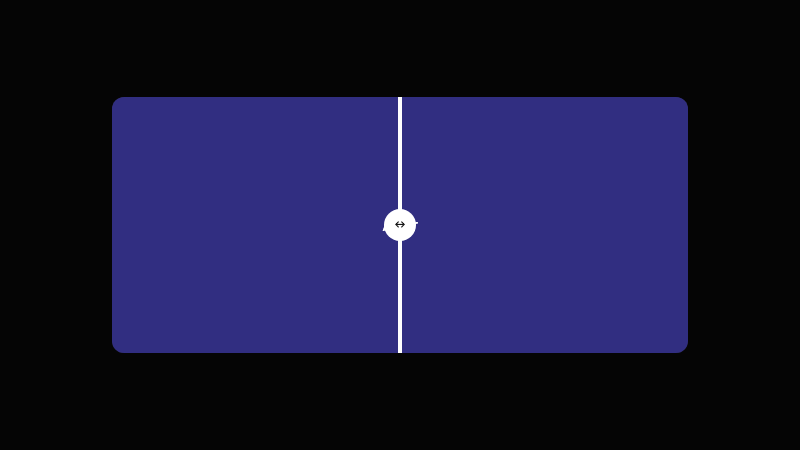
可拖拽分隔线的 before/after 图片对比滑块。
作者:mcpSkills
框架
nextjs
UI 库
shadcntailwind
难度advanced
英文提示词
Create a before/after comparison slider. Use two overlapping panels representing a before and after state, with a vertical draggable divider in the middle. As the divider moves, it reveals more of one panel and less of the other. Add a small handle on the divider. Use CSS clip-path and JavaScript for drag handling. Use Tailwind CSS. The panels can be placeholder color blocks with labels.
中文提示词
创建一个前后对比滑块。使用两个重叠面板表示 before 和 after 状态,中间有一条垂直可拖拽分隔线。分隔线移动时,显示更多一个面板、更少另一个面板。在分隔线上添加小手柄。使用 CSS clip-path 和 JavaScript 处理拖拽。使用 Tailwind CSS。面板可用带标签的彩色占位块。
## Overview
用于一眼展示转变、改进或差异的触感对比组件。
## Features
- 两个重叠面板
- 垂直可拖拽分隔线
- clip-path 揭示
- 小分隔线手柄
- 鼠标/触摸拖拽支持
- 带标签的占位面板
## Usage
适用于产品转变、图片编辑工具、设计前后对比或功能对比。
## Customization
修改 prompt 以:
- 添加跟随分隔线的标签
- 改为水平方向
- 分隔线上添加微妙阴影
- 显示百分比指示器