Layout
Sticky Story Section
A long-form section where text chapters scroll past a sticky image or canvas.
by mcpSkills
Framework
nextjs
UI Library
shadcntailwind
Difficultyadvanced
English Prompt
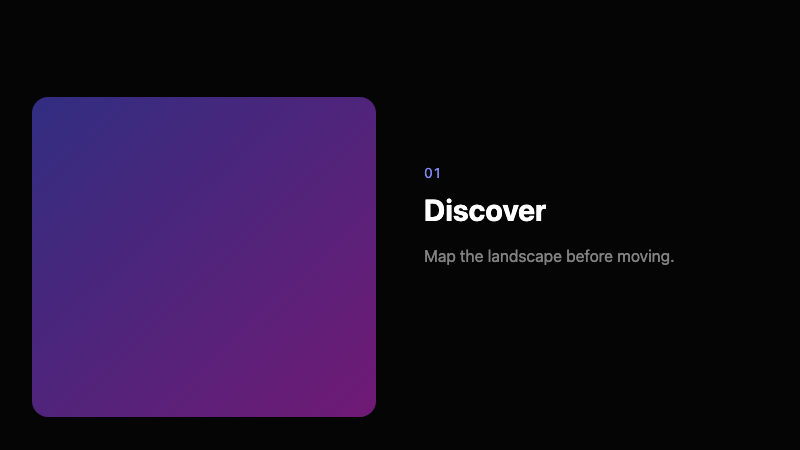
Create a sticky story section. On the left, a large image or placeholder block should stick to the viewport while the user scrolls. On the right, 3-4 text chapters scroll by, each with a small chapter label, bold headline, and short paragraph. As each chapter reaches the center, the sticky image subtly crossfades or changes color. Use CSS sticky and scroll-driven classes. Use Tailwind CSS.
Chinese Prompt
创建一个粘性故事区域。左侧大图或占位块在用户滚动时粘在视口。右侧 3-4 个文本章节滚动经过,每个章节包含小标签、粗体标题和短段落。当每个章节到达中心时,粘性图片微妙交叉淡入或变色。使用 CSS sticky 和滚动驱动类。使用 Tailwind CSS。
## Overview
A scroll-driven narrative layout that pairs stable visuals with progressing text. Common in editorial and product storytelling.
## Features
- Sticky image on left
- Scrolling text chapters on right
- Chapter labels + headlines
- Crossfade/color change on chapter transition
- CSS sticky positioning
- Scroll-driven state changes
## Usage
Use for product stories, case studies, tutorials, or brand manifestos.
## Customization
Modify the prompt to:
- Swap image and text sides
- Add progress dots for chapters
- Use video instead of image
- Animate text with blur reveals