Interaction
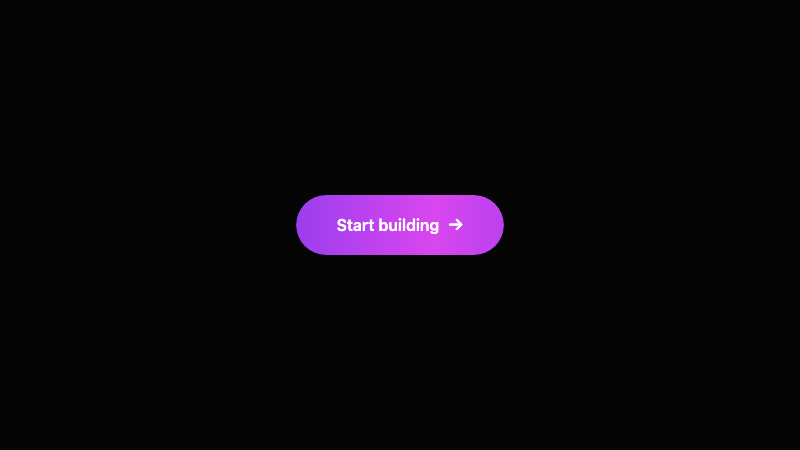
Morphing Gradient Button
A button with a fluid, animated gradient border and background that slowly morphs between colors.
by mcpSkills
Framework
nextjs
UI Library
shadcntailwind
Difficultyadvanced
English Prompt
Create a single CTA button with a morphing gradient effect. The button background should be a conic or linear gradient that continuously animates through deep violet, magenta, coral, and amber. Add a subtle outer glow that pulses in sync with the gradient. The button text should be white, semibold, and centered. On hover, the animation speeds up slightly and the button scales to 1.02. Use CSS keyframes and background-position or mask techniques; avoid heavy JS. Use Tailwind CSS. Place it on a dark background so the gradient glow is visible.
Chinese Prompt
创建一个带有变形渐变效果的单一 CTA 按钮。按钮背景应为锥形或线性渐变,在深紫、洋红、珊瑚和琥珀之间持续动画变化。添加与渐变同步脉冲的微妙外发光。按钮文字应为白色、半粗体、居中。悬停时动画略微加速,按钮缩放至 1.02。使用 CSS keyframes 和 background-position 或遮罩技术,避免大量 JS。使用 Tailwind CSS。将其放在深色背景上,使渐变发光可见。
## Overview
A button that feels alive. The morphing gradient creates a premium, attention-grabbing CTA without using images.
## Features
- Continuously morphing gradient background
- Pulsing outer glow
- White centered label
- Hover speed-up and scale
- Pure CSS animation
- Dark background optimized
## Usage
Use as the primary CTA on dark landing pages, launch pages, or premium product sites.
## Customization
Modify the prompt to:
- Add a glass reflection sheen on top
- Change the gradient to cool tones (cyan, teal, blue)
- Add a magnetic cursor pull effect
- Make the border radius fully rounded vs pill