Display
Comparison Slider
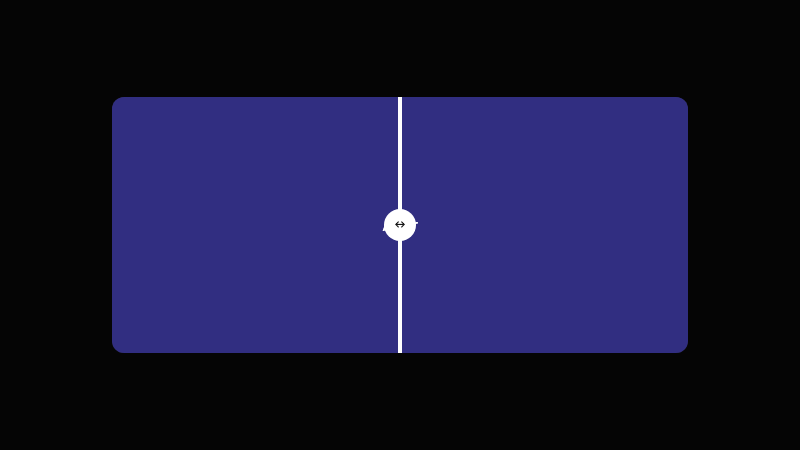
An interactive before/after image comparison slider with a draggable divider.
by mcpSkills
Framework
nextjs
UI Library
shadcntailwind
Difficultyadvanced
English Prompt
Create a before/after comparison slider. Use two overlapping panels representing a before and after state, with a vertical draggable divider in the middle. As the divider moves, it reveals more of one panel and less of the other. Add a small handle on the divider. Use CSS clip-path and JavaScript for drag handling. Use Tailwind CSS. The panels can be placeholder color blocks with labels.
Chinese Prompt
创建一个前后对比滑块。使用两个重叠面板表示 before 和 after 状态,中间有一条垂直可拖拽分隔线。分隔线移动时,显示更多一个面板、更少另一个面板。在分隔线上添加小手柄。使用 CSS clip-path 和 JavaScript 处理拖拽。使用 Tailwind CSS。面板可用带标签的彩色占位块。
## Overview
A tactile comparison component for showing transformation, improvement, or difference in a single glance.
## Features
- Two overlapping panels
- Vertical draggable divider
- Clip-path reveal
- Small divider handle
- Mouse/touch drag support
- Placeholder panels with labels
## Usage
Use for product transformations, photo editing tools, design before/after, or feature comparisons.
## Customization
Modify the prompt to:
- Add labels that follow the divider
- Make it horizontal instead of vertical
- Add a subtle shadow on the divider
- Show percentage indicator