Display
Chromatic Text Reveal
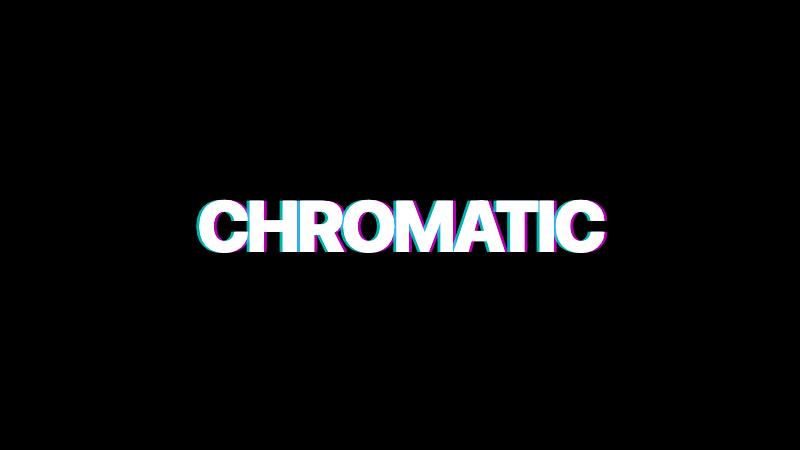
A headline with RGB split chromatic aberration that resolves into clean text on hover or load.
by mcpSkills
Framework
nextjs
UI Library
shadcntailwind
Difficultyadvanced
English Prompt
Create a large headline with a chromatic aberration text effect. The headline should appear as three offset layers: cyan shifted left, magenta centered, and yellow shifted right, creating an RGB split glitch look. On load, the layers animate inward to align into clean white text. On hover, the layers separate slightly again. Use CSS text-shadow or layered spans. Background should be deep black. Use a bold condensed sans-serif font. The effect should feel controlled and premium, not chaotic. Use Tailwind CSS and CSS keyframes.
Chinese Prompt
创建一个带有色差文字效果的大标题。标题应显示为三个偏移层:青色左移、洋红居中、黄色右移,形成 RGB 分裂故障外观。加载时各层向内对齐,合并为干净的白色文字。悬停时各层再次轻微分离。使用 CSS text-shadow 或分层 span。背景应为纯黑。使用粗体压缩无衬线字体。效果应感觉可控且高级,而非混乱。使用 Tailwind CSS 和 CSS keyframes。
## Overview
A typography effect that borrows from glitch art but keeps it refined—perfect for creative brands and dark launch pages.
## Features
- RGB split chromatic aberration
- Three layered text shadows/spans
- Load alignment animation
- Hover separation
- Deep black background
- Bold condensed sans-serif
## Usage
Use for hero headlines, loading states, or section titles on dark, creative sites.
## Customization
Modify the prompt to:
- Trigger the split effect on scroll into view
- Add a scanline overlay behind the text
- Use an outlined/stroke version for one color layer
- Add a subtle flicker loop to one channel