Coding
Gemini CLI
Google's open-source AI agent that brings Gemini directly into your terminal. Free access to Gemini 2.5 Pro for coding, problem-solving, and task management.
climacoslinuxwindowsv1.0.0Apache-2.0open-source
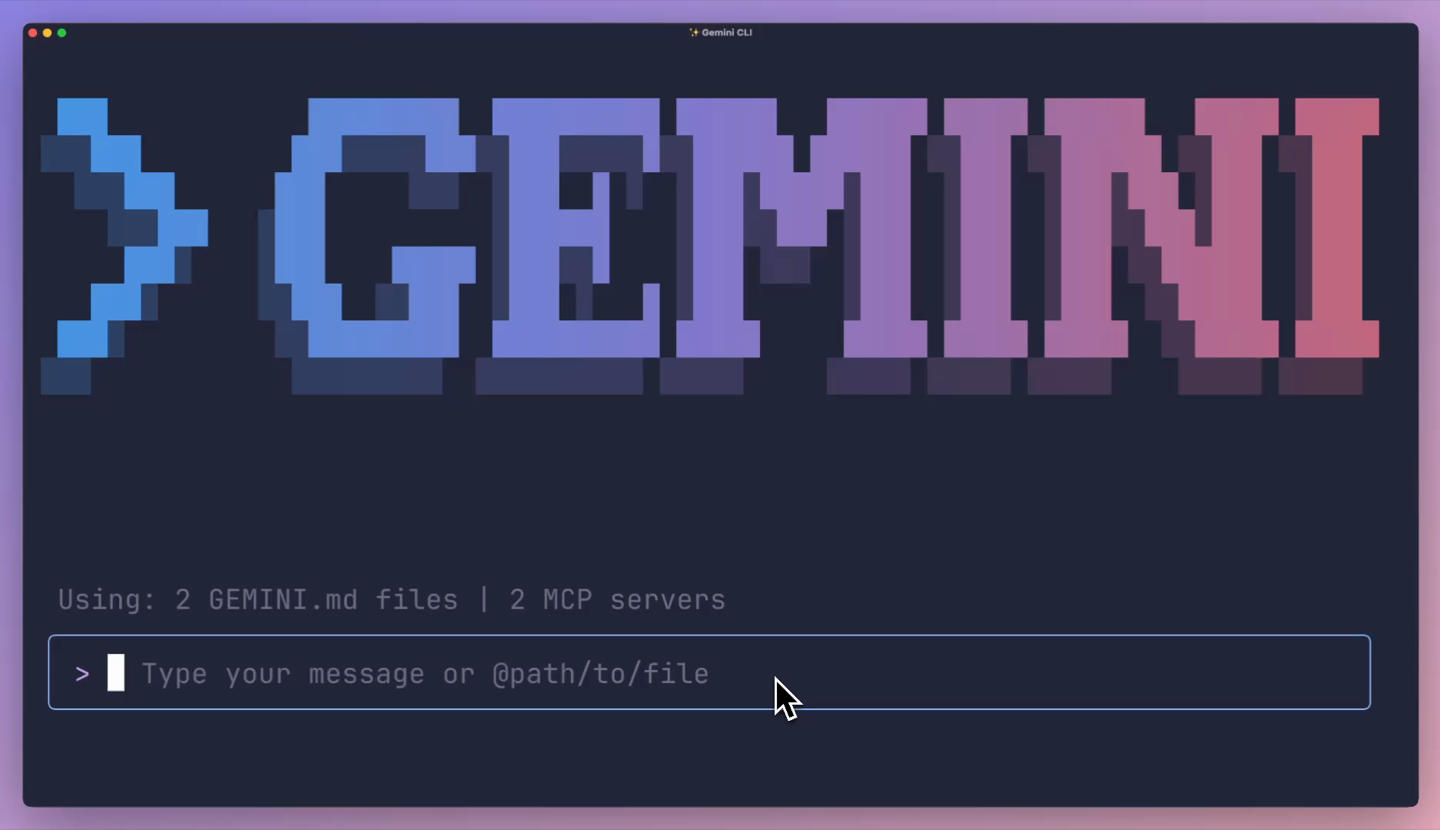
Gemini CLI is Google's open-source AI agent that brings Gemini directly into your terminal. It provides unmatched free access to Gemini 2.5 Pro for coding, content creation, problem-solving, and more.
## Key Features
- **Terminal-native**: Runs directly in your terminal, no IDE required
- **Gemini 2.5 Pro**: Access Google's most capable model for free with a personal Google account
- **Open source**: Inspect the code, contribute to development
- **MCP support**: Connect to external services via Model Context Protocol
- **Tool calling**: Interact with files, run commands, browse the web
- **Multi-turn conversations**: Maintain context across interactions
## Free Usage Limits
With a personal Google account, you get generous free access to Gemini 2.5 Pro — significantly more than competing tools offer without a paid plan.
## Integration with Gemini Code Assist
Gemini CLI shares technology with Gemini Code Assist, providing AI help in both your terminal and VS Code.
## Installation
```bash
# Install via npm
npm install -g @anthropic-ai/gemini-cli
# Or via Homebrew
brew install gemini-cli
```
## Usage
```bash
# Start an interactive session
gemini
# Run a single prompt
gemini "explain this codebase"
# Use with a specific model
gemini --model gemini-2.5-pro "refactor this function"
```
## Compared to Other CLI Agents
| Feature | Gemini CLI | Claude Code | GitHub Copilot CLI |
|---------|-----------|-------------|-------------------|
| Free tier | Gemini 2.5 Pro | Limited | Limited |
| Open source | Yes | No | No |
| MCP support | Yes | Yes | No |
| Model | Gemini 2.5 Pro | Claude | GPT-4 |
## Links
- [GitHub](https://github.com/google-gemini/gemini-cli)
- [Documentation](https://github.com/google-gemini/gemini-cli/blob/main/docs/README.md)