Coding
Cline
The open-source autonomous coding agent for VS Code, JetBrains, and terminal. Bring your own API key, choose any model, and review every diff before it's applied. Trusted by 8M+ developers.
vscodejetbrainsclimacoslinuxwindowsv3.0Apache-2.0open-source
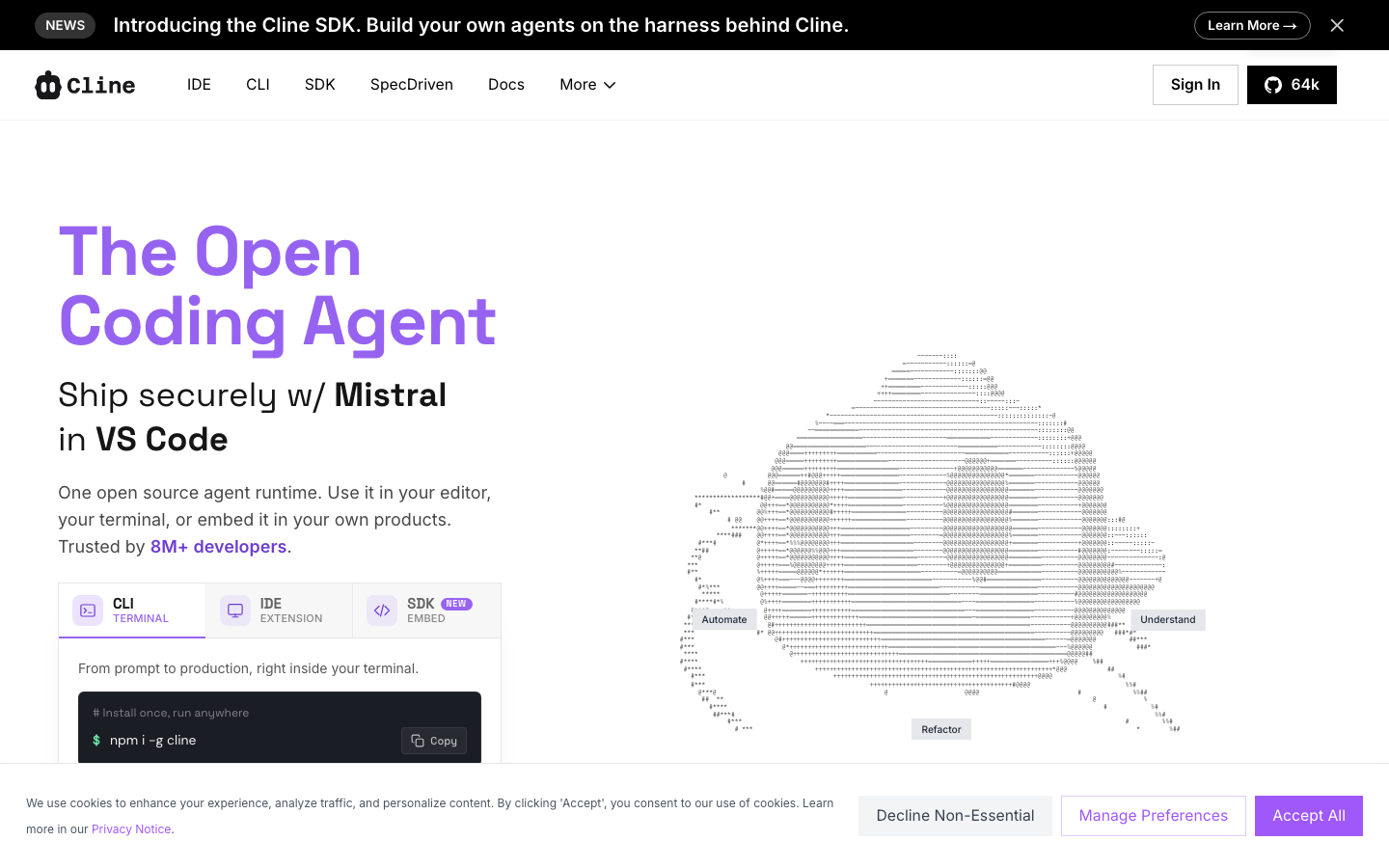
Cline is an open-source autonomous coding agent that runs in VS Code, JetBrains IDEs, and the terminal. Bring your own API key, choose any model (Claude, GPT, Gemini, Ollama, or any OpenAI-compatible endpoint), and review every diff before it's applied. Trusted by 8M+ developers.
## Key Features
- **Model freedom**: Use Claude, GPT, Gemini, local Ollama/LM Studio, or any OpenAI-compatible API
- **Bring your own key**: No subscription markup — pay model providers directly at their rates
- **Diff approval**: See every file change as a visual diff before approving
- **Plan & Act**: Structured workflow — plan first, then execute with human-in-the-loop
- **Checkpoint system**: Track all changes, easily undo any agent action
- **Terminal & file access**: Create files, run commands, browse the web with approval
- **Linter awareness**: Monitor compiler/linter errors and fix issues automatically
- **MCP support**: Connect to external tools via Model Context Protocol
- **Multi-platform**: VS Code extension, JetBrains plugin, CLI, and SDK
## Platforms
| Platform | Description |
|----------|-------------|
| VS Code Extension | AI coding in your editor with visual diffs |
| JetBrains Plugin | IntelliJ, PyCharm, WebStorm, and more |
| CLI | Terminal-based agent with headless mode |
| SDK | Node.js programmatic API for custom agents |
## What Makes It Different
- **Open source** (Apache 2.0): Inspect code, contribute, self-host
- **No vendor lock-in**: Use any model, any provider, your own infrastructure
- **Transparency**: Every edit is a diff you review, every command requires approval
- **8M+ installs**: One of the most popular open-source coding agents
## Links
- [Cline](https://cline.bot)
- [GitHub](https://github.com/cline/cline)
- [Documentation](https://docs.cline.bot)
- [Discord](https://discord.gg/cline)