Coding
Antigravity
Google's AI coding agent that understands your codebase, makes edits with permission, and executes commands from your terminal with multi-step reasoning and persistent history.
clidesktopmacoslinuxwindowsv1.0.10Commercialcommercial
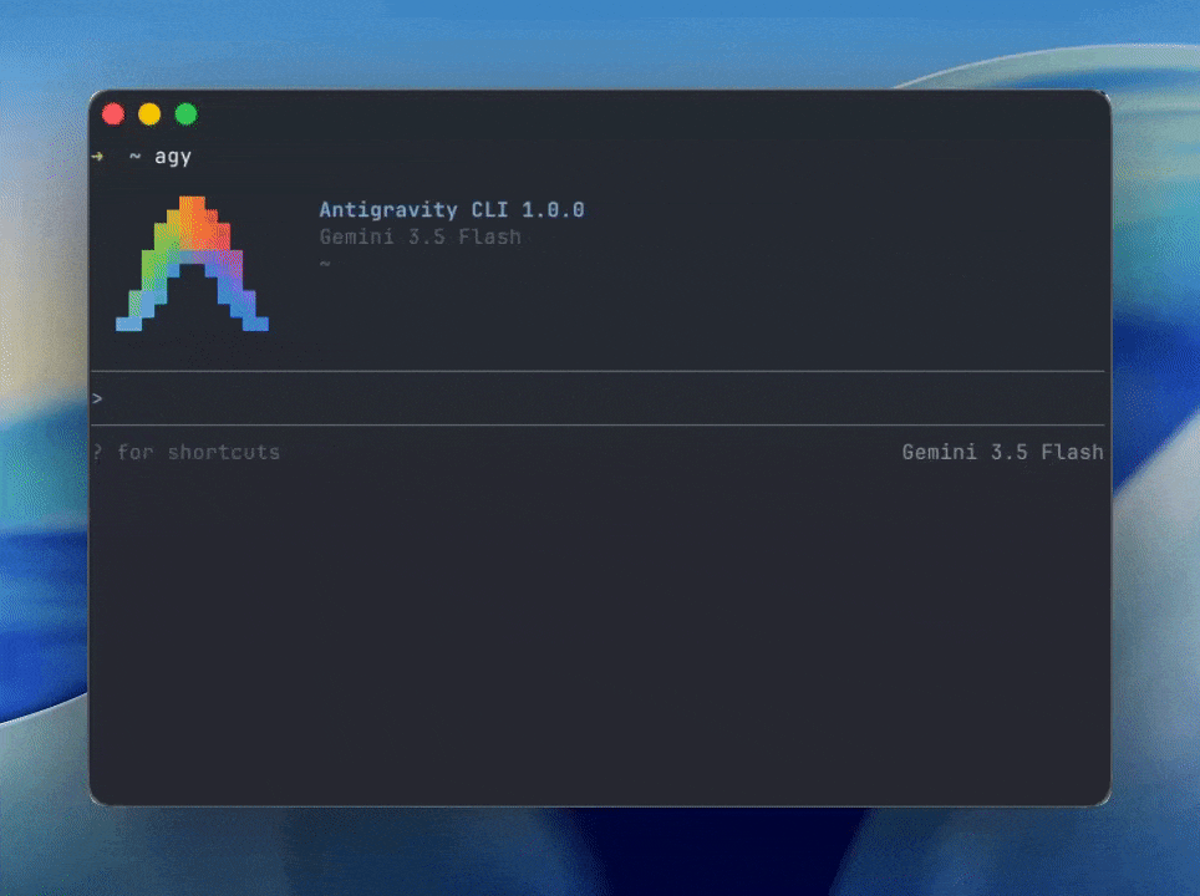
Antigravity CLI brings the reasoning, execution, and orchestration capabilities of Antigravity agent harness directly into your terminal. It understands your codebase, makes edits with your permission, and executes commands.
## Key Features
- **Multi-step Reasoning**: Plans and executes complex tasks with full codebase understanding
- **Multi-file Editing**: Makes changes across multiple files simultaneously
- **Tool Calling**: Executes shell commands, reads/writes files, and manages context
- **Persistent History**: Maintains conversation history across sessions
- **Shared Agent Engine**: Same core engine as Antigravity 2.0 GUI
- **SSH Optimized**: Keyboard-driven workflows for remote sessions
- **Session Export**: Export terminal sessions to the Antigravity 2.0 GUI
- **Agent Skills**: Install official skills for Firebase, and more
## Usage
```bash
# Install via curl
curl -fsSL https://antigravity.google/cli/install.sh | bash
# Authenticate
agy
# Non-interactive mode
agy --prompt "Analyze the codebase" --max-turns 5
```
## Surfaces
- Terminal TUI (primary)
- Antigravity 2.0 GUI desktop app
- Session export between CLI and GUI